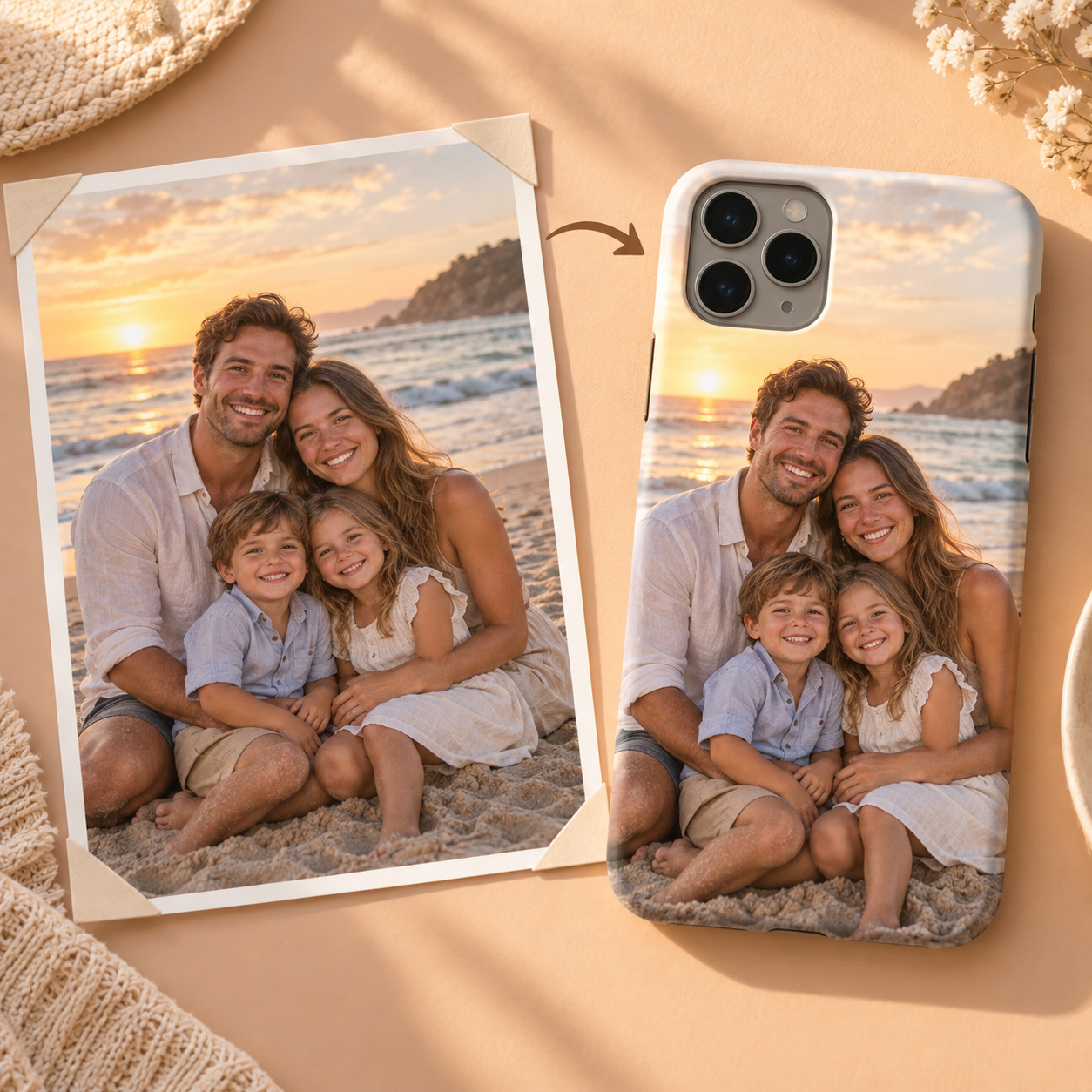
The two people farthest apart can fit inside a tall crop while the phone's camera opening still removes a face, a hand or the space between two leaning figures. Treat those as separate checks. First protect the full width of the group. Then inspect the top corner on the exact phone-model preview and confirm that one relationship gesture still survives.
01 — Mark the widest pair
Identify the two people farthest apart before moving the crop. Their outer shoulders or bodies define the minimum useful width; keeping only every face is not enough if the crop cuts away the posture that makes an edge person part of the group. Draw the first tall crop with a visible margin around both people instead of letting either person touch the production edge.
02 — Name one relationship gesture
Choose one visible detail that connects people—a hand on a shoulder, linked arms, two heads leaning together, or a shared object. This is not an invented story about the subjects. It is a specific element the crop must preserve. If the current source cannot hold every person and the gesture at once, compare a closer source photograph rather than silently sacrificing the detail.
03 — Check the camera corner separately
A tall rectangle and a camera opening are not the same boundary. Once the group fits the rectangle, place the crop in the exact phone-model preview and inspect the top corner. Camera openings differ by model, so the editorial illustration cannot establish clearance or a universal safe area. Recheck the edge person and the named gesture after the opening is visible.
04 — Compare two crops at phone size
Make one crop with more surrounding context and one that brings the group closer. View both at roughly phone size. Record which version keeps every person easier to find and whether the gesture remains legible. Do not declare a winner from the large editing screen alone, and do not treat the synthetic illustration as evidence of either result.
05 — Keep the source outside the production crop
Save the chosen crop as a derivative and keep the original photograph unchanged with its names, place and date if known. Before approving the preview, check that every person is in frame, the gesture is still visible, and the camera opening covers neither.
Check three things on the exact model preview
Every person is present; the chosen relationship gesture remains; the exact camera corner covers neither.
Keep the unchanged original photograph and its identifying context outside the production crop. For that archival step, read Before You Crop It, Write Down Who It Is.